Corals CreationsSTUDIOS
Lighting effects
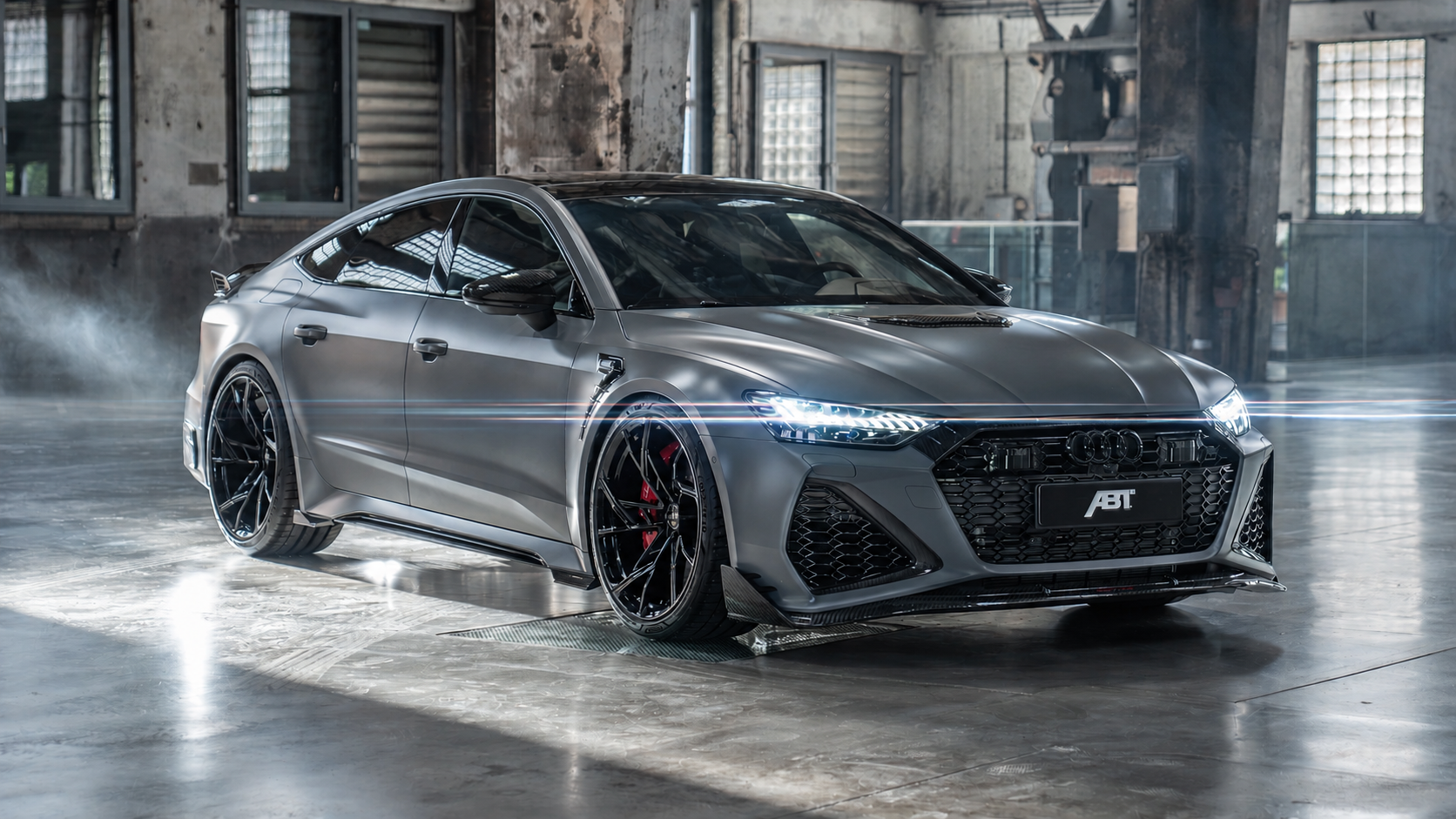
Give light a direction. Adjust the length, rotation and sharpness of streaks to suit your frame.
Glare · Effect visualization
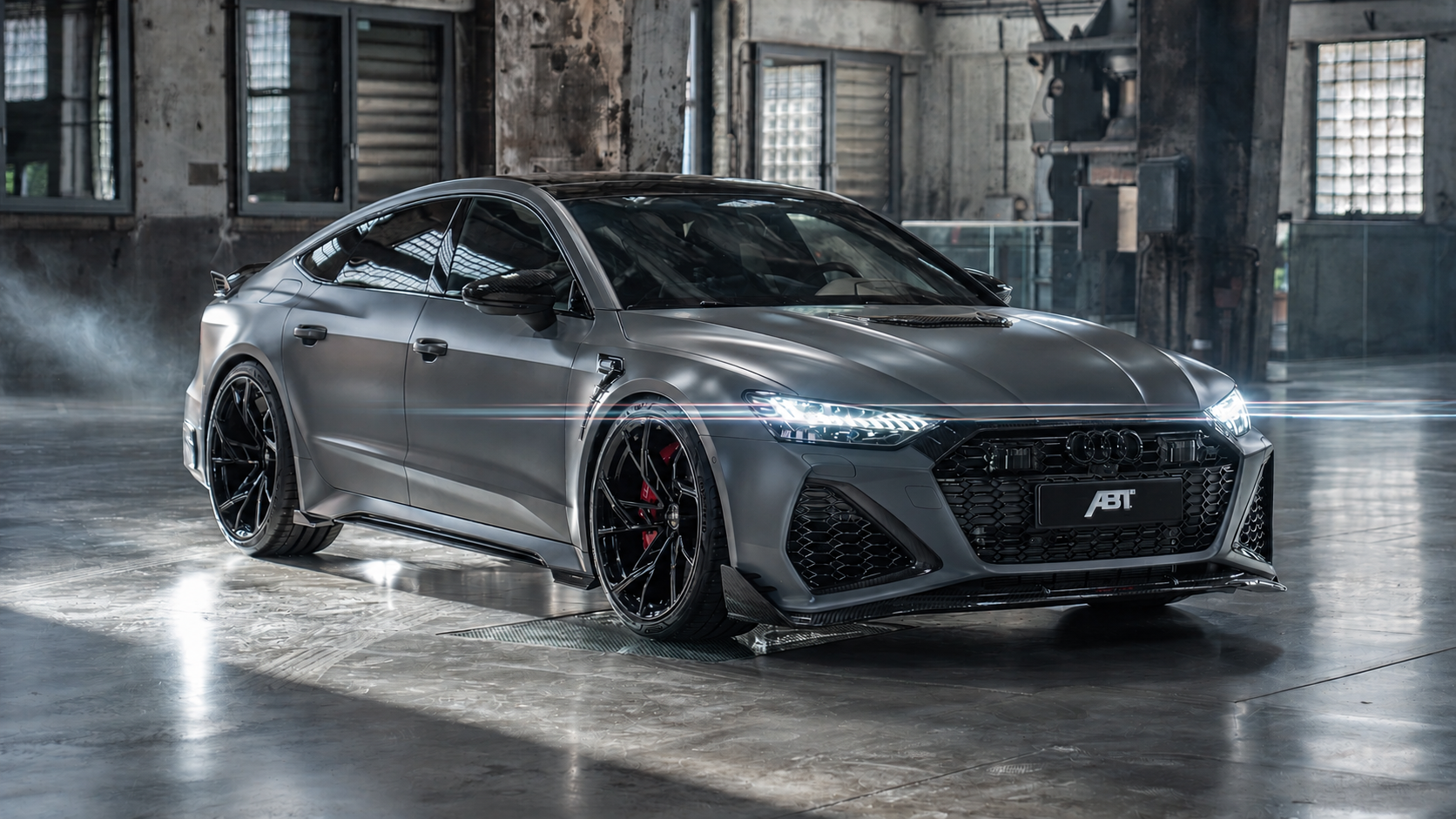
Give light a direction. Adjust the length, rotation and sharpness of streaks to suit your frame.
Glare · Effect visualization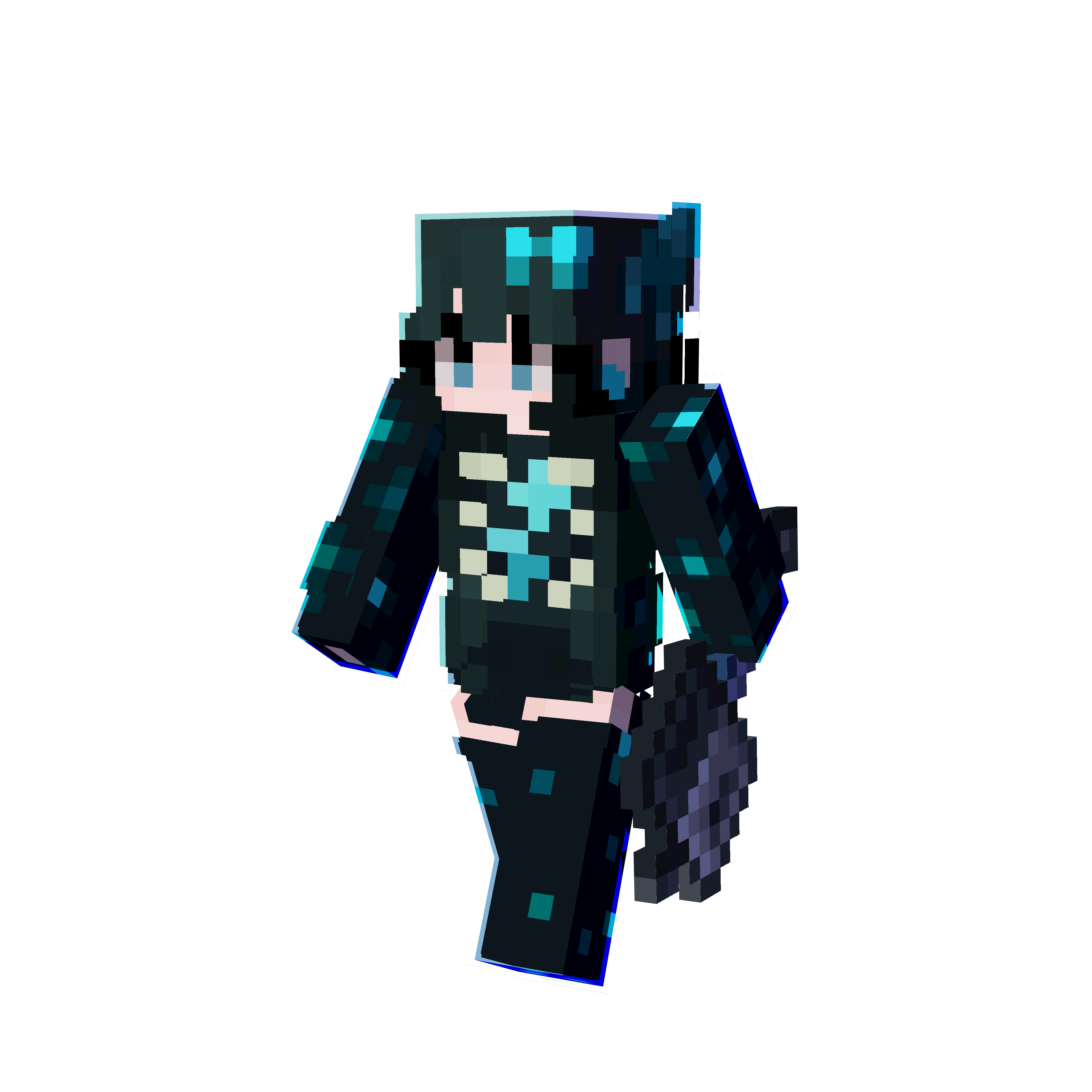 mefka_Karmelowy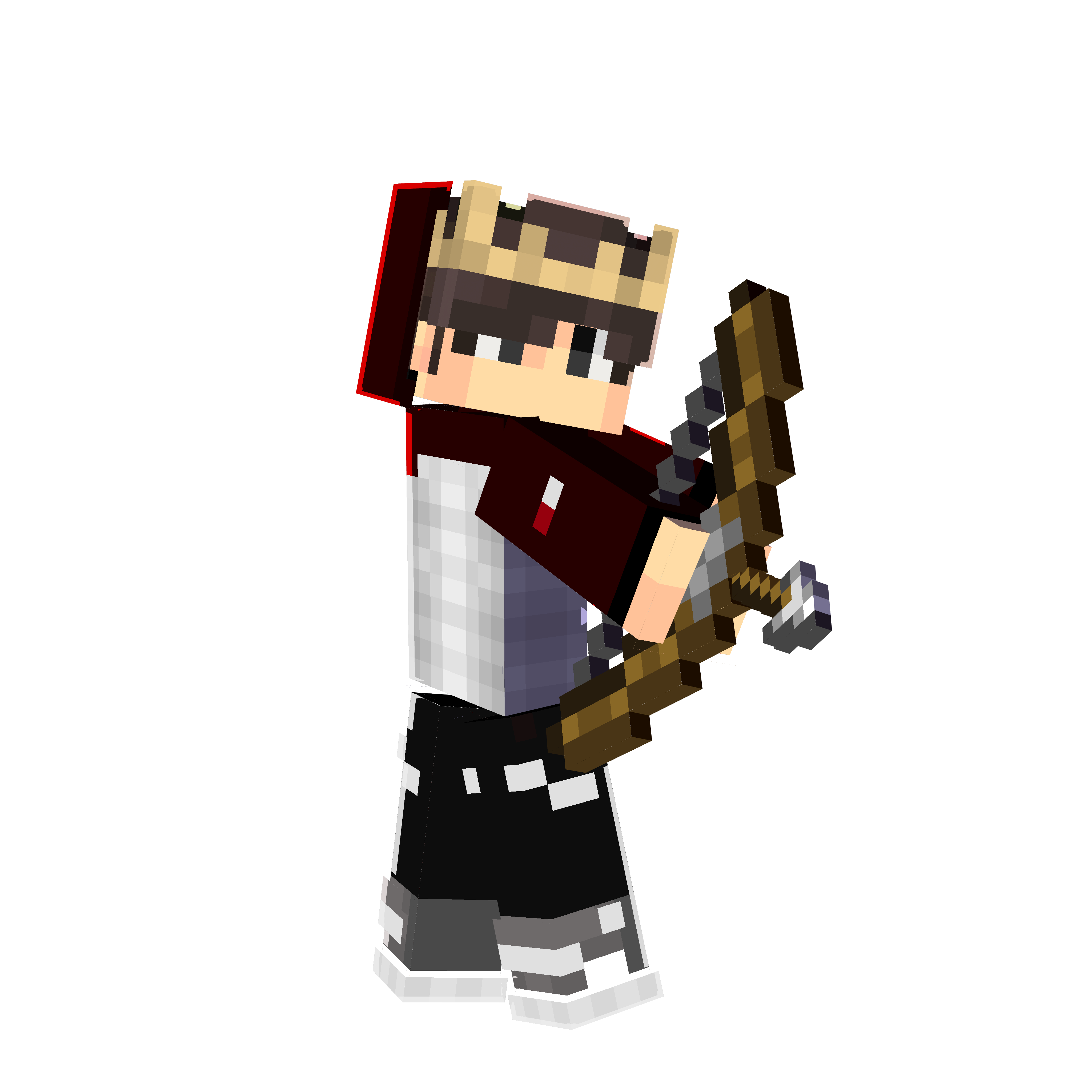
Renders, models, packs, configs and more…
Models, resource packs and artwork for your projects. Discover Corals collections in one place.
Your ideas deserve their own style. Explore tools that help you move from the first detail to a finished creation.
Choose your idea. We bring the tools.
Your ideas, our tools. A place for experiences from the Corals community.
Sample copy for the mockupI start by selecting a source and see how light changes the frame. There is room to explore the reach and color.
Adjusting the pose and lighting lets me present a skin the way I imagined it. The preview helps me find the right composition.
The 3D preview helps me check the details and the outer layer. It is easier to see the whole character while painting.
Models and textures come together in an organized pack. A useful step between designing and preparing files for the game.
The map helps me plan my next adventure. I choose a seed, explore biomes and save places I want to revisit.
A gentle glow or a clear streak — I like comparing different looks and shaping the effect around the photograph.
Item Render Studio now includes the full item and block library and a built-in Bare Bones style. Paint directly on your character in Skin Editor, and save and reopen Tag Tool pack projects to refine their text and colors.
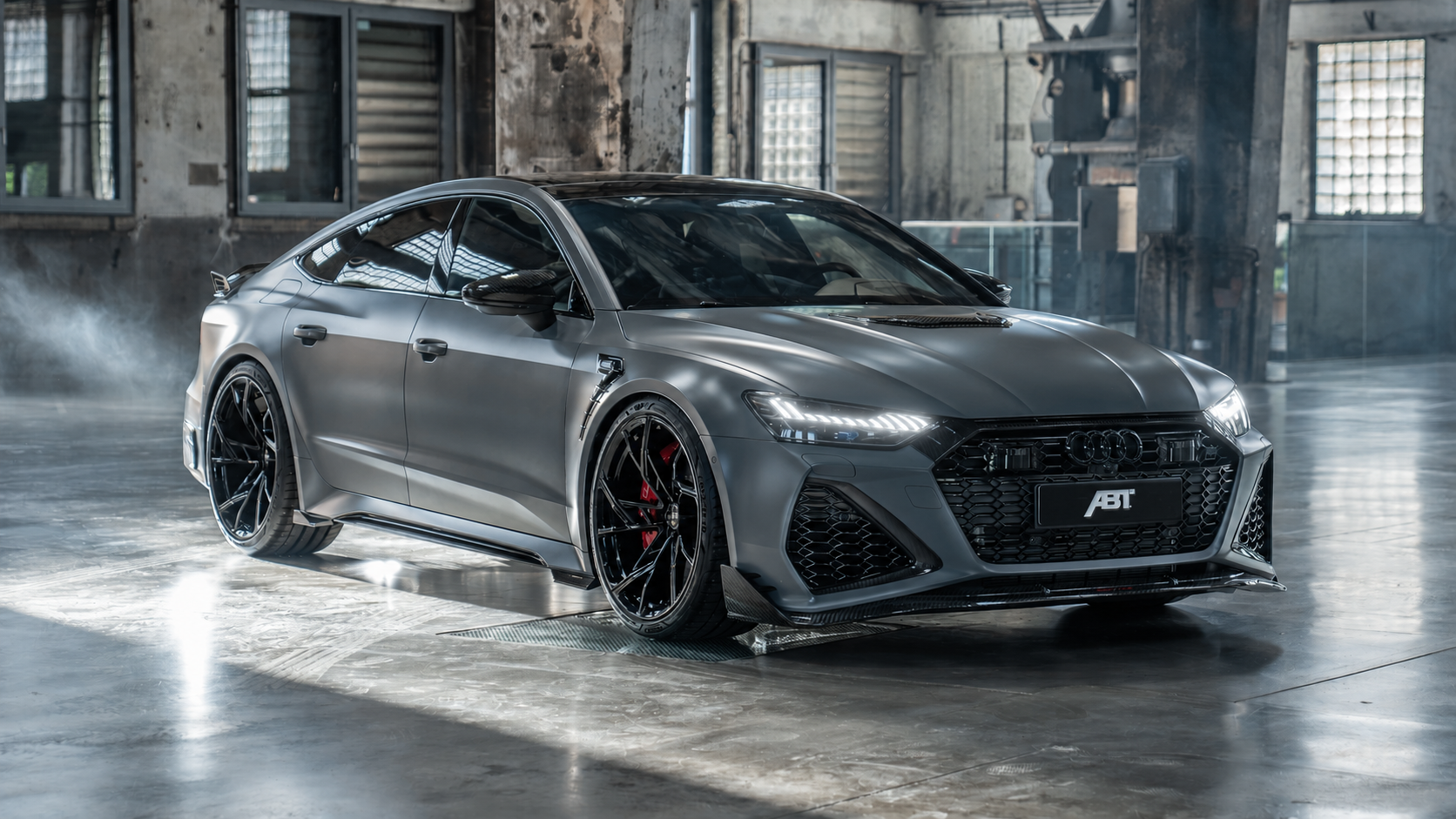
The ABT Audi RS7-R with cool headlight glow and long streaks of light. Move the slider to compare the visualization with the source photograph. This presentation image was created with AI assistance.
 X
X Google
 YouTube
 TikTok
 Instagram